Blog

New Zealand's Employment Leave Act 2026 has been passed and will replace the Holidays Act 2003 from 6 August 2028. The legislation is intended to address longstanding difficulties with the current leave system, which has been criticised as complex to interpret and administer for employers, employees and payroll providers. Key changes coming in 2028 Leave will accrue in hours from day one One of the more notable changes under the new system is that employees will begin accruing annual and sick leave from their first day of employment, and it will be measured in hours rather than being provided as annual entitlements after set periods. Leave can be taken more flexibly Employees will generally be able to take leave in hourly increments, including part-days off. One hour of accrued leave will be used for each hour of leave taken. The new system is expected to be particularly relevant for employees with variable or non-standard working patterns, where calculating leave entitlements under the current legislation has often been more complex. A new approach to calculating leave payments The Act introduces a single hourly leave pay rate that will apply across different types of leave, with fixed allowances continuing to be paid during periods of leave. The change aims to create a more consistent approach to leave calculations. Clearer definitions for different working arrangements The legislation introduces new categories of working hours: Standard hours : hours specified in an employment agreement that an employee may be required to work. Additional hours : extra hours worked beyond standard hours that attract additional payment. Casual hours : hours worked where there is no obligation on either party to offer or accept work. Public holiday entitlements and alternative holidays will also move to new hours-based approaches under the Act. Why was reform considered necessary? According to the Ministry of Business, Innovation & Employment (MBIE), the current Holidays Act has created ongoing challenges for employers and payroll systems due to the complexity of calculating leave entitlements and payments. The new legislation was developed following several years of reviews, consultation and policy work aimed at creating a clearer and more workable framework. What employers need to know now Although the Act has been passed, it does not come into force until August 2028. The two-year transition period is intended to give employers and payroll providers time to update payroll systems, employment agreements and leave management processes. Until then, organisations must continue to comply with the current Holidays Act 2003 and meet any existing obligations, including remediation of historical underpayments where required. Looking ahead The new framework represents a substantial change in how leave is earned, taken and paid in New Zealand. Whether it delivers the simplicity and certainty intended by policymakers will become clearer as employers, payroll providers and employees begin preparing for implementation ahead of 2028. Click here to check out MBIE's two-page comparison of the 2023 Holidays Act and the new system coming in August 2028.

The Investment Boost is a New Zealand tax deduction introduced in Budget 2025. It allows businesses to immediately claim an upfront 20% expense deduction on the cost of new depreciable assets in their first year of use, with standard depreciation then applied to the remaining 80%.

What’s worth investing in? From virtual fencing to real-time pasture data, smart tech is changing the way we farm. New tools are being embraced across New Zealand’s agricultural industry, but with more options come more price tags and subscription packages, so it’s important to ask: what’s actually worth your money?

New Zealand’s 2026 Budget has been released against a backdrop of global uncertainty and ongoing cost pressures. The Government has taken a relatively cautious approach, focusing on managing spending while introducing targeted policy changes. Here is a summary of the main elements. Tax Changes Budget 2026 introduces a range of tax changes focused on adjusting thresholds, simplifying rules, and tightening certain areas of the system. Foreign investments (FIF rules): The exemption threshold will increase from $50,000 to $100,000, and more taxpayers will be able to use alternative calculation methods. Fringe Benefit Tax (FBT): Proposed changes simplify how FBT is calculated for motor vehicles by removing detailed tracking requirements and using standard categories instead. Shareholder loans: Outstanding loans may be treated as taxable income if a company is removed from the Companies Register. Financial arrangements (for migrants): Changes aim to reduce complexity by allowing some income to be calculated in foreign currency and excluding common personal arrangements. Non-resident contractors: Higher thresholds and simplified rules are proposed to reduce compliance for cross-border contracting. Charities and not-for-profits: The tax-free threshold will increase to $10,000, alongside changes to how donation tax credits are claimed and capped. R&D tax incentive: Claims may be made more frequently, with more flexibility for late or corrected filings. Financial institutions: A new levy is proposed to help fund regulatory oversight. Overall, the changes are a mix of simplification measures, threshold adjustments, and targeted integrity rules. Fuel and Energy The Budget includes short-term responses to higher fuel and energy costs, along with longer-term initiatives: Temporary financial support for some households — specifically, those receiving the in-work tax credit, who will receive an additional $50 per week. This is expected to apply to around 157,000 low- to middle-income working families Funding to increase national fuel reserves A loan scheme to support businesses transitioning away from gas These measures reflect the impact of higher global energy prices and supply disruptions. Looking ahead The Government indicates an intention to return the Budget to surplus over the medium term: A projected return to surplus by 2029 Continued focus on managing expenditure Gradual improvement in economic conditions assumed Debt levels remain elevated, with a gradual reduction expected over time. What this means for Northland For Northland, the Budget includes planned investment in Whangārei Hospital, with funding allocated for a new 158-bed ward tower aimed at increasing capacity. Beyond this, there are no major projects in the Budget specifically identified for the region. However, broader nationwide initiatives—such as funding for healthcare, housing, and infrastructure—are expected to have some indirect impact.

If you have a 31 May balance date and you’re thinking about buying machinery, vehicles or other business assets, timing is worth a closer look. Buying and having assets ready for use before 31 May 2026 can create an opportunity to claim extra tax deductions in your 2026 financial year under the Government’s Investment Boost rules. What is the Investment Boost? Under the recently introduced Investment Boost rules, businesses can claim an upfront deduction of 20% of the cost of eligible new assets, then depreciate the remaining balance as normal. The benefit is improved cashflow — paying less tax earlier, when you’ve just laid out the cash. Here's an example If you have a 31 May balance date, buy a new machine for $100,000 and it’s ready for business use before 31 May 2026: you may be able to deduct $20,000 immediately, plus claim normal depreciation on the remaining $80,000 That will reduce tax payable in the year of purchase. Timing matters for May balance dates To claim the deduction in the 2026 year, the asset must be: purchased, and available for use by 31 May 2026 Placing an order is not enough. Delivery delays or incomplete installation can push the deduction into the following year. The business case Investment Boost is a bonus when an asset already makes sense for your business. It’s not a reason to go out and buy something purely for the tax deduction. The purchase still needs to stack up commercially, with the tax benefit sitting alongside that decision rather than driving it.
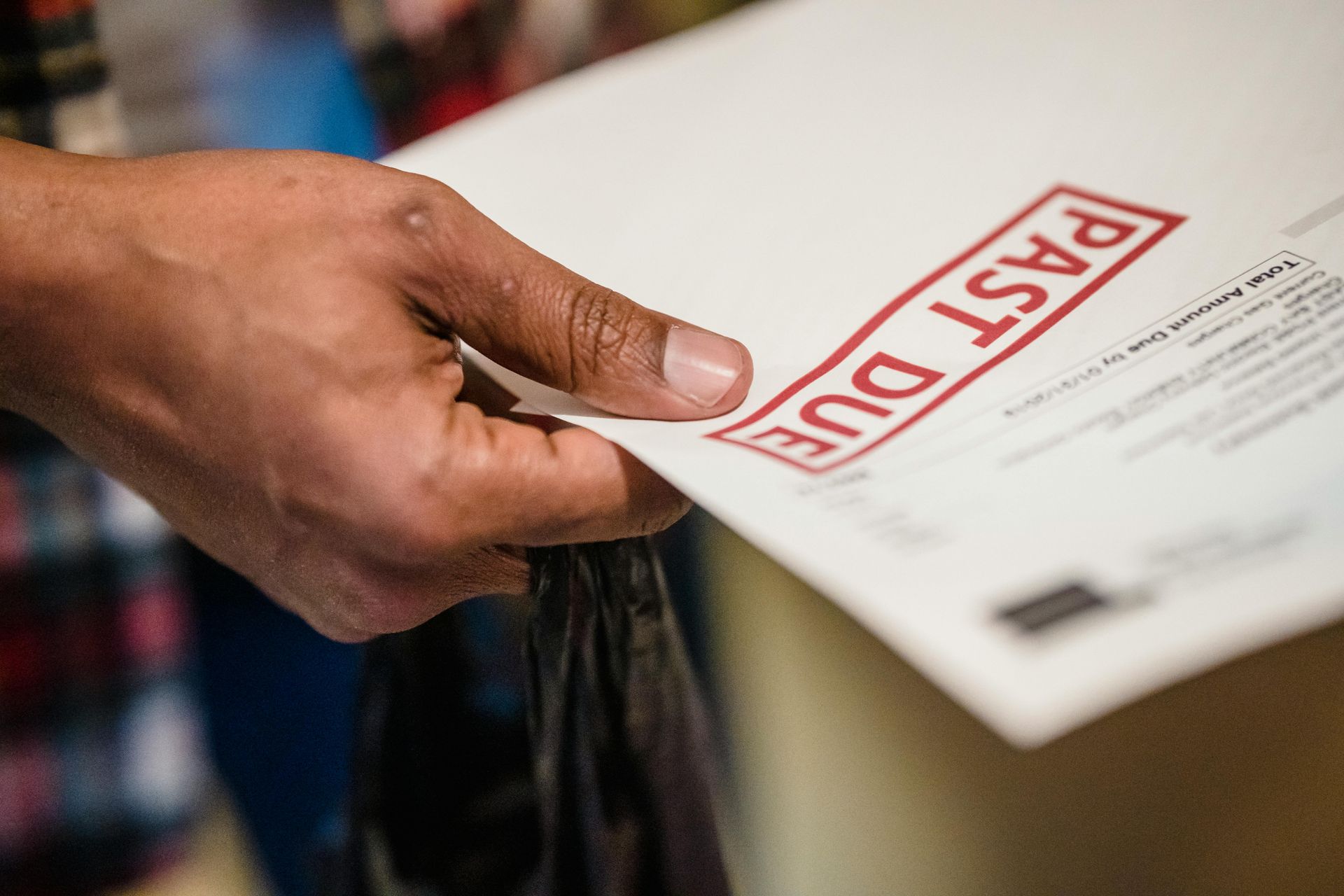
The Government is extending the use of tax pooling so taxpayers can now use it to settle income tax debt from the 2022–23 and 2023–24 years. A formal trial is expected to run through to 30 September 2027. This is a helpful shift. Until now, tax pooling has mainly been for managing provisional tax. Extending it to past-year debt gives more flexibility. It involves buying back-dated IRD payments through a tax-pooling provider, often at a lower interest rate and without IRD penalties. For businesses that had a tight year or unexpected tax bill, this can take pressure off. A few things to be aware of: To be eligible you need to have returns filed and no overdue GST or PAYE. It doesn’t remove the underlying tax; it simply gives a more flexible and cheaper pathway to get it paid. The extension is a trial, not a permanent rule change. Overall, it’s a positive move that gives businesses another lever when cashflow is tight.

If you’ve paid a deposit and the supplier goes broke, you may be last in line to recover your money

Adult minimum wage rises to $23.95 an hour This is an increase of 45 cents per hour from the current hourly rate of $23.50. The training and starting-out minimum wages will also both increase to $19.16 per hour, remaining at 80% of the adult minimum wage. This is a rise from the current minimum rate of $18.80 per hour. An employee working 40 hours per week on the adult minimum wage will earn an extra $18 per week or $936 per annum (before tax) compared to the current minimum wage. Around 122,500 New Zealand workers currently earning below the new minimum wage rates should get an increase in their pay packets as a result of the change in the minimum wage. KiwiSaver contribution rate changes The default KiwiSaver employer and employee contribution rate will rise to 3.5% (from 3%). The new rate will affect all pay days from 1 April. So even if your pay period covers before and after 1 April, your whole contribution for that pay period will be deducted at the new rate. Temporary rate reduction If you are an employee, you can apply for a temporary rate reduction from 1 February 2026 if you want to carry on contributing at 3% from 1 April 2026. This could be because you can’t afford the rate increase or want to save in other ways. You can apply for a rate reduction for a 3 month (92 days) to 12 month period. You can do this as many times as you like. Your employer can choose to match your temporary rate reduction. Once you move from the temporary rate to a higher rate, IRD will notify your employer. Contributions for 16 and 17-year-olds Those aged 16 or 17 will qualify for employer KiwiSaver contributions from 1 April 2026, so long as they meet other eligibility requirements. If the employee contributes to KiwiSaver from their wages, the employer will need to start making contributions. Before 1 April 2026, employers only need to contribute for employees aged 18 to 65.

In November 2025 Xero launched a new feature called Auto-Reconciliation . It uses Xero’s internal AI engine to automatically match and reconcile new bank statement lines overnight rather than you doing it manually. It applies your existing bank rules, matches invoices and bills, and learn s from past reconciliations to predict future matches. Auto-Reconciliation is in open beta and available to selected organisations on Xero’s Growing plan and above. If your business has access to it, you will see it when you are in the Bank Accounts → Reconcile screen. Subscriber or advisor-level permissions are required to turn it on. If you don’t like it, you can turn it off again. If you already code your own Xero, your transactions are consistent and you already use bank rules effectively, this has good potential to reduce your admin workload. It may be less suitable at least initially for businesses with complex transactions, frequent adjustments or multi-currency dealings. What should you watch out for? Only new transactions are auto-reconciled; historical items still need manual handling. It does it based on confidence levels, so some transactions will still require review. If you are slow getting bills or invoices into the system, it won’t match them. Multi-currency transactions may need manual checks for exchange rate adjustments. You need to review the reconciliation screen and fix mistakes it makes. It learns from your corrections. Fixing is easy - It provides good information about what it’s done and why. Treat it like the apprentice. Before enabling, review your bank rules and consider whether automation could introduce errors. We would recommend monitoring it daily for the first little while, so you can capture and fix overnight mistakes early. It should improve as it goes along. A final reminder that if you don’t like it you can turn it off again, but if you don’t give it a go, you’ll never know.

What’s changing? From October 2025, IRD has been sending some businesses with substantial unpaid tax a formal notice that they will be credit reported. The business will have 30 days to take action, such as setting up an instalment arrangement, before any credit reporting occurs. Who’s affected? · Businesses with tax debt that has been unpaid for a year and is at least 30% of the company’s profit, or · Businesses that owe more than $150,000 Why does this matter? Credit reporting impacts a business’s credit rating and ability to access finance. IRD shares information with Centrix, the approved credit reporting agency. Options If you can’t immediately pay the debt, please contact us to help set up an instalment arrangement or look at other options like tax pooling. Or you can set up an instalment arrangement yourself on myIR to stay in IRD’s good books!